Here is how to watch music videos on Spotify: play a supported song, open Now Playing, and select Switch to video. You need Premium and access to the feature in your market. If the button is missing, check the exact track version and your account before troubleshooting the device.
- Open the full Now Playing view. The music-video control appears on eligible tracks, rather than on every song.
- Search for the exact artist and recording. A video available for one release version may not appear beside another.
- Test another video-enabled track before reinstalling Spotify. This helps separate a track-availability problem from a playback problem.
- A moving background may be Canvas, a short visual loop. It does not confirm that a full music video is available.
How to Watch Music Videos on Spotify
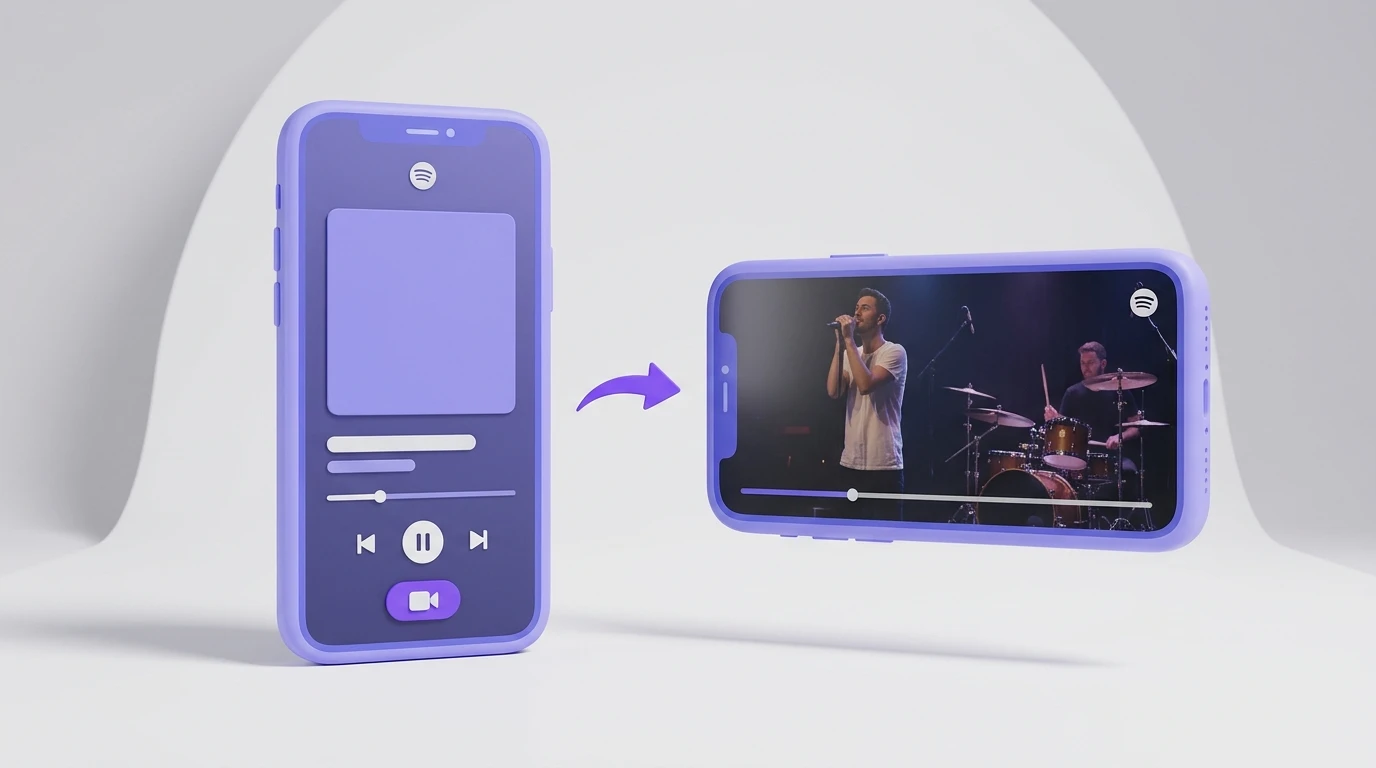
On iPhone and Android, the starting point is the song’s full Now Playing screen. Spotify’s music-video playback guidance identifies Switch to video as the control for opening an available music video.
- Open Spotify and play the song you want to watch.
- Tap the player bar at the bottom to expand Now Playing.
- Look above the song title for Switch to video, then tap it.
- Rotate your phone to landscape for a wider view. If it will not rotate, check your device’s orientation lock.
- Select Switch to audio when you want to return to audio playback.
A track without the control needs an availability check. Repeatedly tapping its artwork will not reveal a hidden full-length video.
The same basic process applies on other supported devices, with different controls.
| Device | What to do |
|---|---|
| iPhone or Android phone | Expand Now Playing and tap Switch to video on an eligible song. Rotate the device for landscape viewing. |
| Tablet | Open Now Playing and select the video control when available. |
| Desktop app | Play an eligible track, open Now Playing, and select Switch to video. Use the video’s full-screen control for a larger view. |
| Supported TV app | Play an eligible track and look for the video option in the playback controls. Check the TV app itself rather than assuming phone playback will send video to the television. |
Use the current Spotify app when testing. A television receiving Spotify audio through another device does not, by itself, confirm that the playback setup supports music videos.
How to Find the Right Song and Its Video
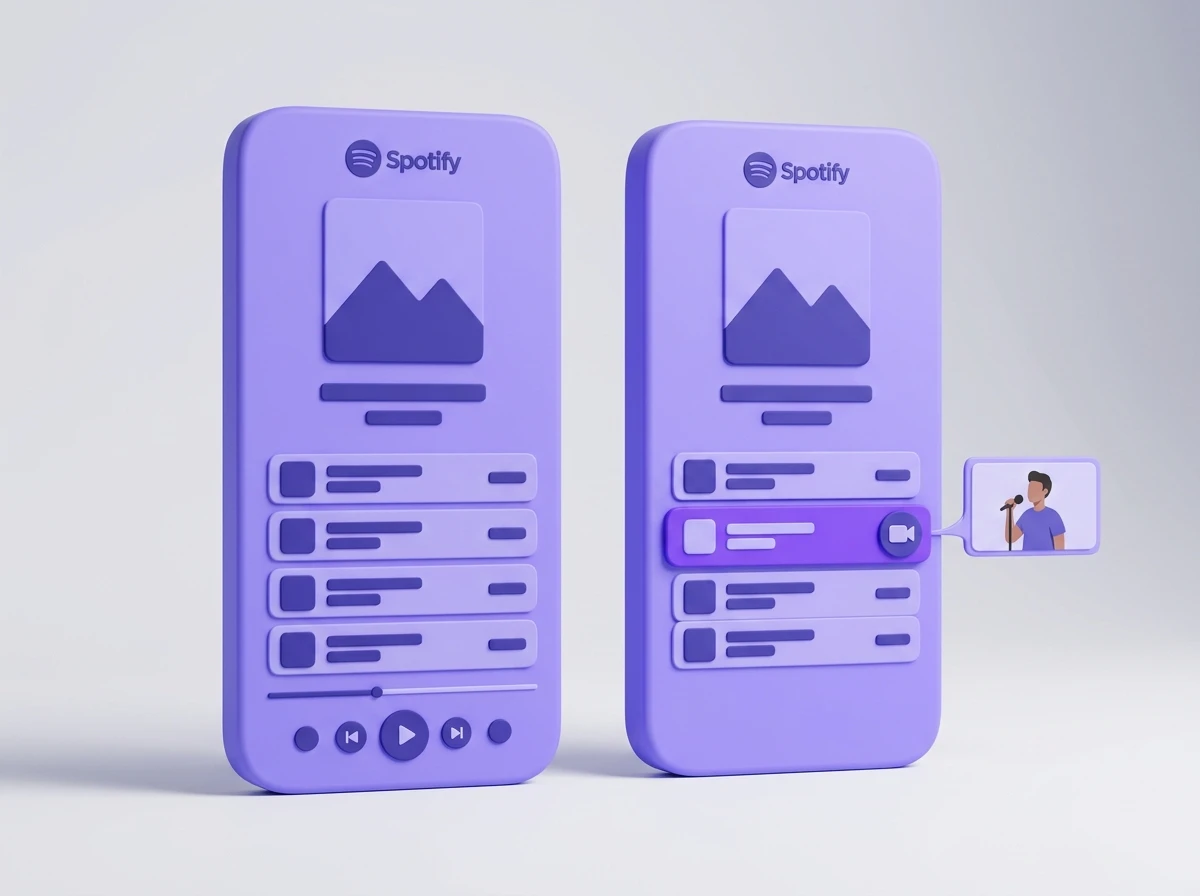
Search Spotify for the artist name and song title, then open the recording you actually want. Play it and inspect Now Playing. An official video existing elsewhere does not establish that Spotify carries it for your account or market.
Release versions matter. A single, an album recording, and a deluxe-edition track can appear as separate entries, so check the artist’s release page if your saved copy has no video control.
Suppose you saved a song from a deluxe album. It has no video button, but the version on the original album shows Switch to video. Open that original-album recording to watch it, and save that entry if you want an easier route back.
That test gives you a useful answer without changing account settings. It does not mean an alternate version will always solve the problem. The artist’s video may simply be unavailable on Spotify.
Why Is “Switch to Video” Missing?
A missing video button can reflect the recording, your account’s access, or the device you are using. Premium alone does not mean every song has an available video.
We recommend testing a track that already shows the video control before reinstalling anything. Change one variable at a time.
| What you observe | What to check next |
|---|---|
| One song has video, but your chosen song does not | Check other release versions of the chosen song. Your app has already demonstrated that it can play music videos. |
| The same recording plays video on your phone but not your TV | Check the TV app’s support and updates. Reinstalling the phone app is unlikely to address that difference. |
| No songs show a video control | Check your subscription and account-market eligibility, then update Spotify. |
| Another household member has video access, but you do not | Compare the accounts and devices separately. Shared billing does not establish identical feature access. |
| The control appears, but video will not play | Try a stable Wi-Fi connection, restart Spotify, and test another available music video. |
| You only see moving artwork | Check whether you are seeing Canvas rather than a full music video. |
If you contact Spotify support, include the exact track link, device model, app version, and whether the same recording works on another device. “This song plays video on my phone but has no video control on my TV” gives support a much clearer starting point than “videos do not work.”
Is the Moving Background a Full Music Video?
Canvas is a short looping visual attached to a track. Spotify’s Canvas overview for artists describes that looping format, which is different from a full-length music video.
A Canvas can repeat while the song continues. A full music video has its own sequence, carrying the performance or story through the recording.
Clips are another separate format: short artist videos rather than the song’s complete visual treatment. Seeing a Clip on an artist profile does not prove the corresponding track has a full music video.
The practical test is the playback control. Look for Switch to video on the song instead of treating any moving image as confirmation.
How to Check Your Own Release as an Artist
To find your own music video on Spotify, search for the released recording using a listener account and inspect its Now Playing view. Uploading audio does not automatically attach a finished video.
Check the full-length video delivery options available through your distributor or label and your Spotify for Artists account. Access and delivery routes can differ. Confirm who is handling the video, which recording it belongs to, and where it is expected to be available.
If the video was delivered but is missing, send the delivery partner the exact Spotify track link. Ask them to verify the recording match, delivery status, and territory availability before treating the issue as a listener-app fault.
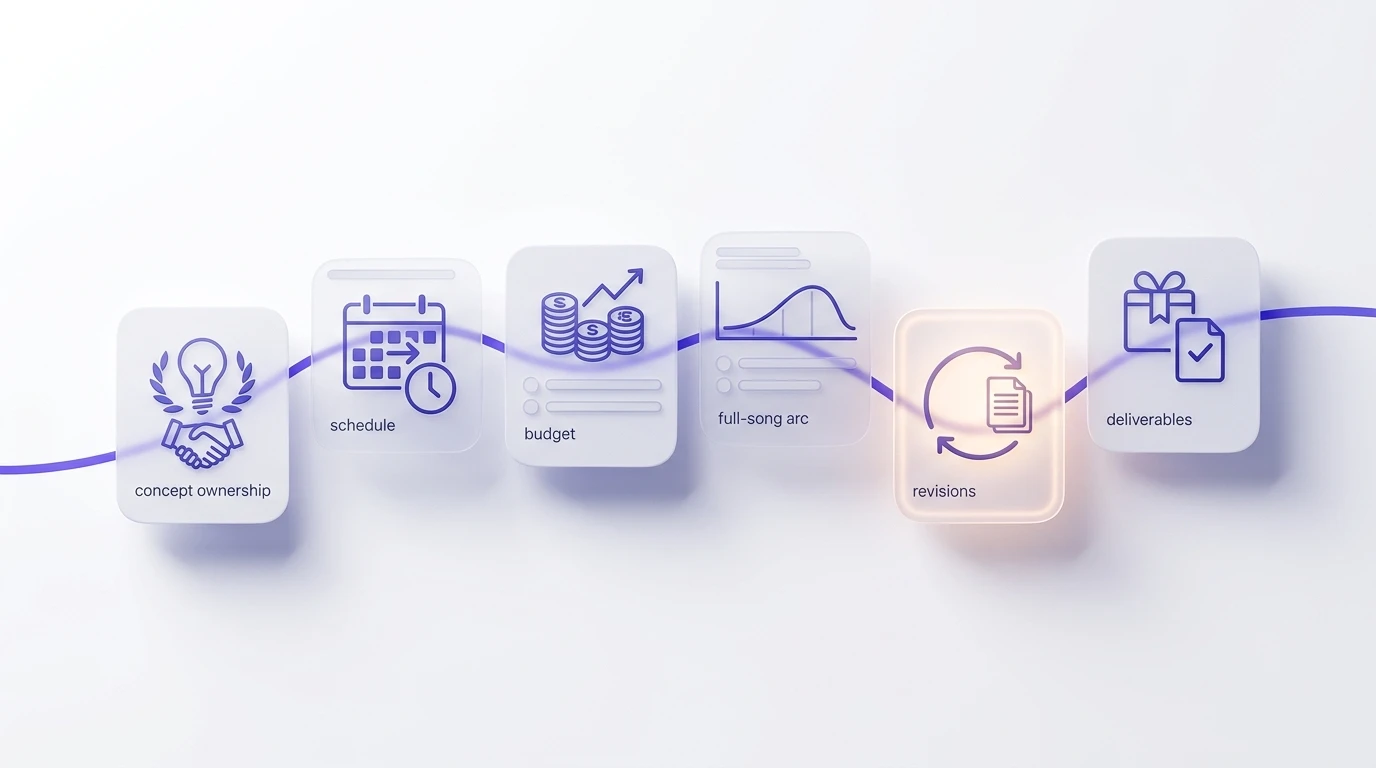
For a finished single that still lacks visuals, our guide to music videography, from treatment to final master maps the production work that comes before platform delivery. With a release date approaching, give edit approval and platform availability separate deadlines.
When choosing a video production company, ask who supplies the full-song master and who handles distribution. A social-ratio adaptation is a separate deliverable, and receiving either file does not confirm that Spotify has accepted the video.
Frequently Asked Questions
Do Spotify music videos use more mobile data than audio?
Yes. Streaming video generally uses more data than audio-only playback, so use Wi-Fi when watching several videos or when your mobile allowance is limited.
Why can’t I see video on a Spotify podcast?
The episode may be audio-only. Open an episode the creator offers in video and check its Now Playing view, because podcast video and music-video availability are separate.
Will the music video use exactly the same edit as the audio track?
Not necessarily. A music video can include a spoken introduction, a longer ending, or other material absent from the audio release, so do not assume the versions have identical timing.
Start by testing the exact recording you want to watch or share. If your own release still needs visuals, get in touch about your release video with SongTrailer for a human-directed, AI-assisted full-song master and social-ratio adaptation. Confirm the platform delivery route before announcing where fans can watch.