Good cameras for music videos give your treatment enough exposure latitude, reliable focus, and an edit you can finish. At SongTrailer, we deliver a full-song master and social-ratio adaptation, so framing shapes our capture choices. Start with the scene and final formats, then compare complete packages before buying, renting, or skipping a shoot.
- Choose for the hardest scene: Test low light, movement, and vertical framing before paying for resolution you will never use.
- Price the working kit: Lenses, lighting, media, batteries, and editing storage can change which camera is affordable.
- Rent for a specific shoot: Buy only when the camera suits the work you expect to make repeatedly.
Which criteria make good cameras for music videos?
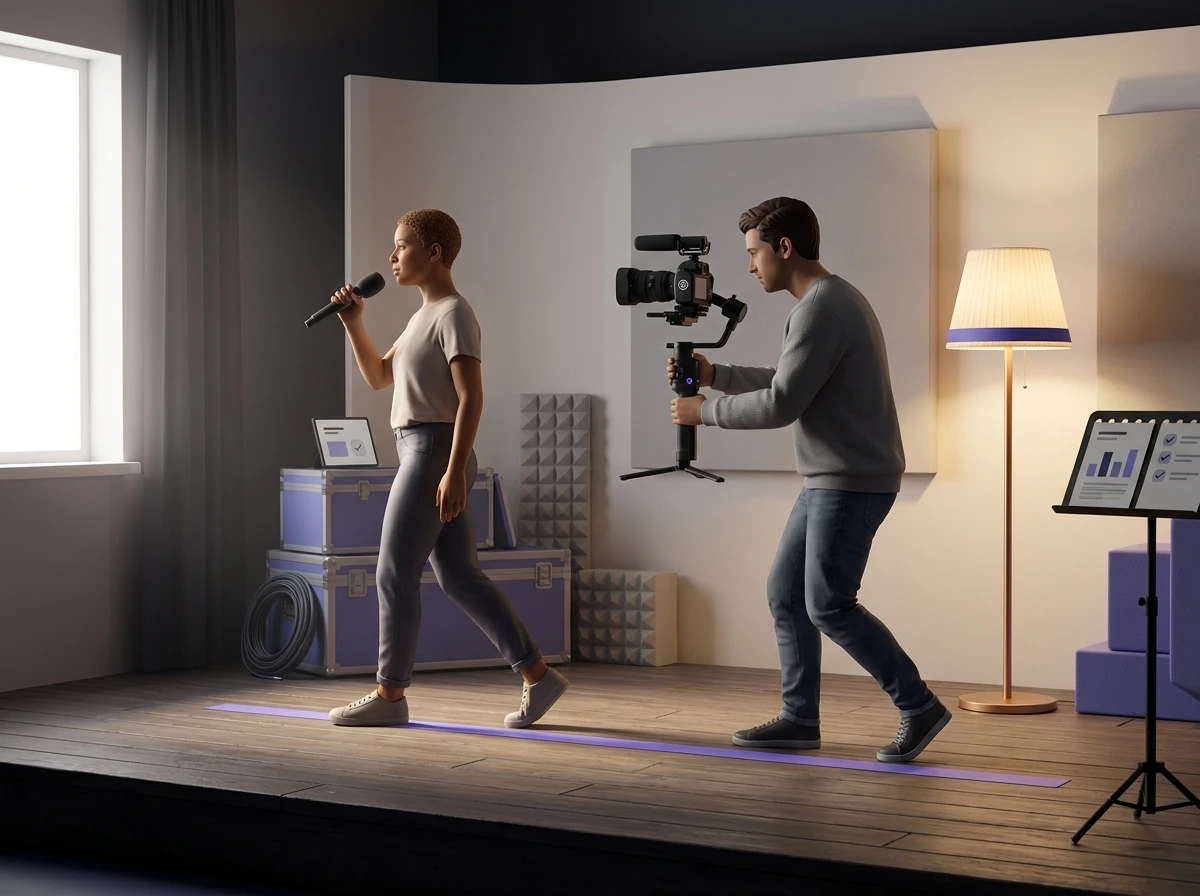
The best camera is the one that can capture your treatment without slowing the set or overwhelming the edit. Write down the locations, lighting, camera movement, performance beats, and required deliverables first. A treatment-to-final-master music videography workflow helps put those decisions ahead of the equipment list.
Judge image quality by what happens under your actual lights. Dynamic range matters when a performer moves between a bright window and a dark room; low-light performance matters when you cannot add enough light. Sensor size changes field of view, lens choices, and depth of field, but a larger sensor will not rescue weak lighting or art direction.
Then check what the camera asks of the crew. Tracking autofocus helps a solo operator follow a moving singer; manual focus is workable on a marked, controlled set. Test rolling shutter on fast pans, and test LED fixtures or strobes for banding. If the treatment calls for slow motion, confirm which frame-rate modes crop the image, limit recording, or change autofocus behavior.
Finally, price the footage after capture. A grading-heavy look benefits from a flexible codec and bit depth, but larger files demand faster media, more storage, and capable post-production hardware. Include lenses, batteries, a monitor, support, lighting, and backups in the total. The camera body is only one line of the budget.
How do cinema, mirrorless, and smartphone systems compare?
These are SongTrailer editorial ratings for a typical finished-track performance shoot, not laboratory measurements. High, medium, and low describe relative capability; in the final two columns, high means more workflow burden or higher total package cost. Phone cost assumes you already own a suitable phone.
| System | Image | Dynamic range | Autofocus | Low light | Codecs | Stabilization | Lens access | Workflow burden | Total package cost |
|---|---|---|---|---|---|---|---|---|---|
| Cinema: Blackmagic Pocket Cinema Camera 6K Pro | High | High | Low | Medium | High | Low | High | High | High |
| Video-first mirrorless: Sony FX30 | High | High | High | Medium | High | High | High | Medium | High |
| Compact mirrorless: Sony ZV-E10 II | Medium | Medium | High | Medium | Medium | Low | High | Low | Medium |
| Recent Pro-class smartphone | Medium | Low | Medium | Low | Medium | High | Low | Low | Low |
Choose the Blackmagic for a lit, crewed set where controlled focus and extensive grading matter. Blackmagic’s Pocket Cinema Camera information details its RAW workflow and the 6K Pro’s built-in ND filters, which let you control exposure without constantly changing aperture. Budget for EF lenses, substantial media, power, and someone comfortable handling the footage.
Choose the FX30 when performance moves and focus cannot be rehearsed precisely. Its autofocus and in-body stabilization make a smaller crew more practical, though lenses and rigging still affect the bill. The ZV-E10 II suits a tighter budget and lighter setup; its lack of in-body stabilization makes a tripod, stabilized lens, or other support more important. Digital Camera World’s music-video camera guide includes the ZV-E10 II among its compact options.
Choose a phone you own for a well-lit, deliberately framed video when speed and low equipment spend matter most. Check that its recording mode gives your editor usable files and enough storage for full-song takes. A phone can be the right choice. It cannot create a dark, cinematic set by itself.
Which system fits your shoot?
For a controlled set, favor a cinema camera if you have time to light, mark focus, manage media, and grade. A wider lens and careful blocking may do more for the frame than a new body. If the video depends on rich color or difficult highlights, shoot a short test in the intended lighting before committing to the camera.
For run-and-gun performance, favor the video-first mirrorless setup. Fast autofocus, manageable batteries, and a lens that covers both wide performance and close-ups keep the day moving. Handheld movement still needs intent: stabilization smooths shake, but it will not decide where the camera should be for a chorus.
For an AI-assisted visual world, ask whether live-action capture is needed at all. Human-directed, AI-assisted music videos for artists can remove a location shoot from the plan when the concept supports it; continuity, pacing, and a coherent full-song edit still need direction. SongTrailer assigns one creative director to concept, pacing, and delivery. Our flat $3,500 package includes a full-song master and social-ratio adaptation, with delivery in about 5-7 business days after intake and direction lock.
Test the edit before committing to the camera
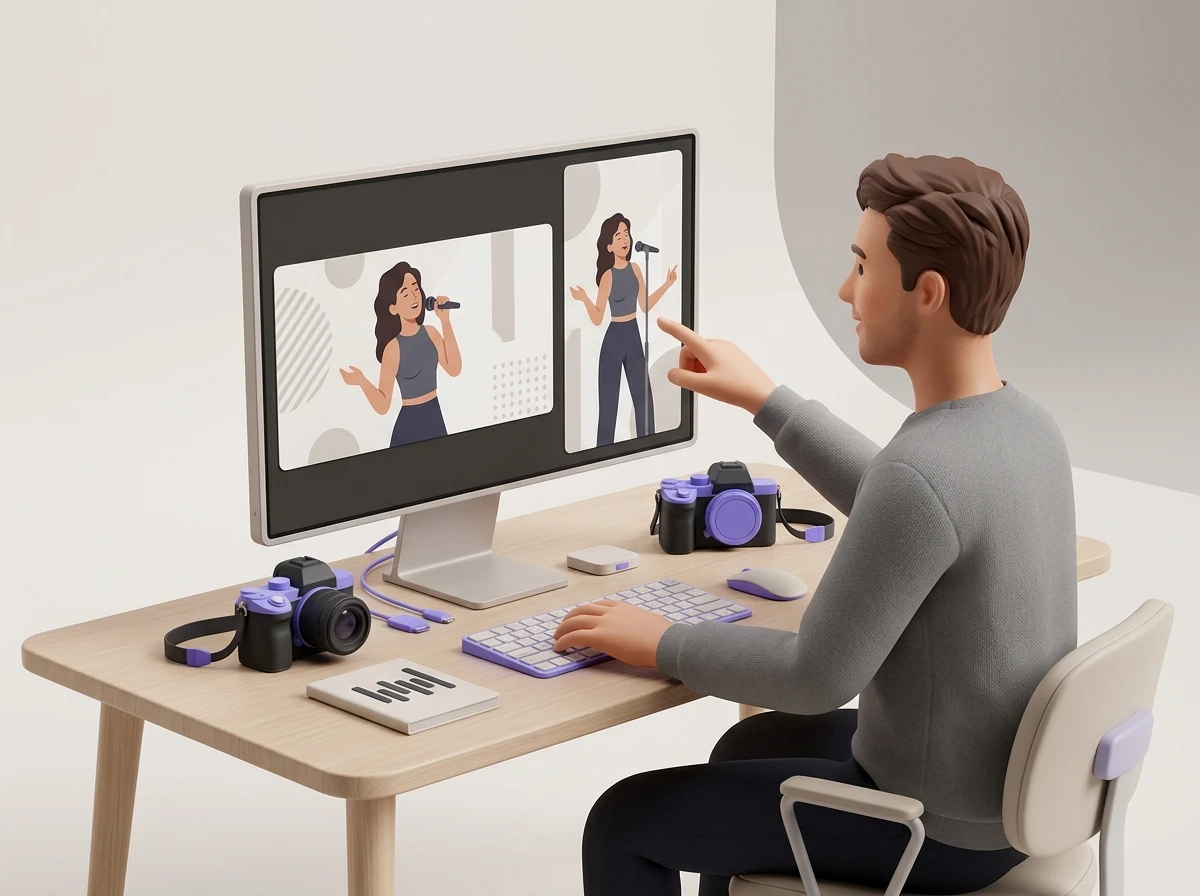
A camera test should produce a small finished excerpt, not just attractive footage on its monitor. That exposes problems with playback sync, vertical crops, storage, and color grading while you can still change the plan.
- Lock the output plan. Set the master and social framing, delivery resolution, and playback track. Leave room around the performer if a horizontal shot must also work vertically.
- Shoot the difficult passage. Use the planned lighting and movement, then test the normal-speed performance and any high-frame-rate mode. For lip sync in slow motion, use sped-up playback during capture and slow the footage by the matching factor in the edit.
- Finish the test. Copy and back up the media, sync the track, apply a rough grade, and export both ratios. Check whether your computer handles the codec and whether the vertical version keeps the performance in frame.
Match capture settings to the final destination rather than selecting the largest file by default. YouTube’s recommended upload encoding settings give practical guidance on frame rate and export; your editor should also confirm the requirements of any other release platform.
When should you rent instead of buy?
Rent when the treatment needs a capability you will use for one production. That might be a cinema body for a controlled night set, a specific lens, or a monitor that lets the director check focus and framing. Get a quote for the working kit, including media and batteries, then add lighting, crew, and post-production costs. A body-only rental price tells you little.
Buy when you know the camera’s limitations and expect to use it regularly. If you are still deciding between a shoot and another visual approach, keep that choice open before spending on equipment. A video production company selection guide can help you compare the crew and delivery responsibilities that come with a commissioned shoot.
Frequently Asked Questions
What equipment do I need to shoot a music video? Start with a camera, a suitable lens, stable support, lighting, recording media, spare power, and playback for the performer. Add a monitor or focus help when the framing or movement makes the camera screen hard to judge.
How do I shoot my own music video? Choose a concept you can execute, mark the song’s performance sections, and capture complete takes before chasing inserts. Sync a short test in the edit before the main shoot so you can catch playback and frame-rate problems early.
What camera do YouTubers use for music videos? There is no single standard: creators use phones, mirrorless bodies, and cinema cameras. Choose for your lighting, focus needs, available crew, and the formats you must deliver.
Is a smartphone good enough for a music video? Yes, especially with controlled light and strong framing. Test exposure, storage, and the edit first; a dark location or demanding grade can reveal its limits quickly.
A strong music video starts with a shoot you can finish and footage that serves the whole song. Choose the smallest workable kit, or leave the camera out if the treatment calls for another approach. If you want to discuss a human-directed, AI-assisted full-song video, get in touch with SongTrailer.