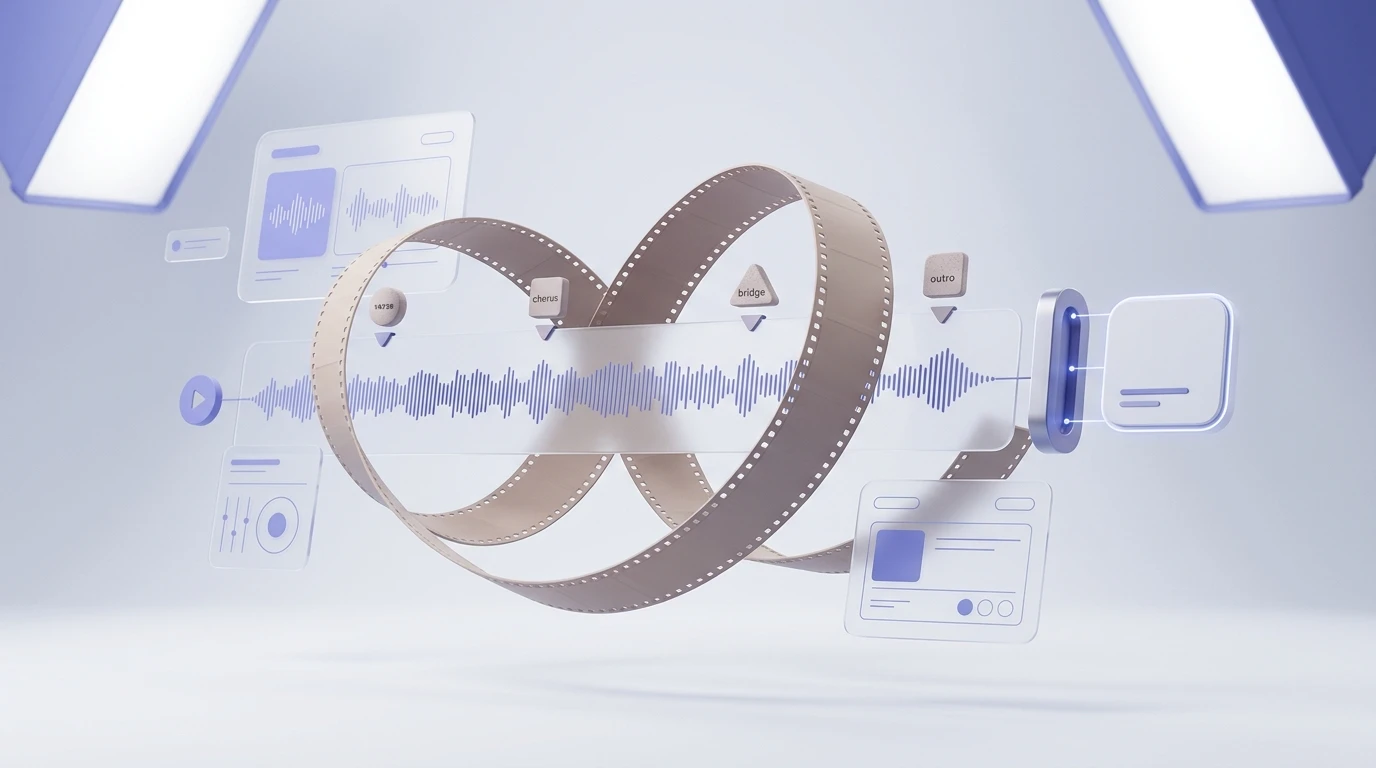
For a full-song music video, ai filmmaking tools should form a workflow around the finished track. Image and video generators create shot material; nonlinear editors such as Premiere Pro and DaVinci Resolve shape the full-song cut. This guide explains which controls preserve continuity and how to turn generated clips into a deliverable master.
- Test a generator against your hardest planned shot before committing to its visual style or subscription.
- Use approved reference frames to guide image-to-video generation. A repeated seed alone cannot guarantee character consistency.
- Build the full-song timeline early. Generate missing coverage against that edit instead of collecting unrelated clips.
- Check source permissions and commercial-use terms separately from the technical quality of the exported video.
Which ai filmmaking tools handle each production stage?
Choose tools by the production job they can control. A striking demo tells you little about whether a platform can sustain the same performer across a complete song.
The useful stack covers planning, generation, editing, and finishing. Some platforms combine those jobs, but each stage still needs its own acceptance test.
| Production stage | Tool categories and examples | What to evaluate |
|---|---|---|
| Treatment and storyboarding | ChatGPT or Claude for treatment development; LTX Studio for visual planning | Can you revise individual shots while preserving the song’s structure and approved concept? |
| Style frames | Image generators such as Adobe Firefly; Photoshop for frame development | Can you establish reusable references for the performer and visual world? |
| Shot generation | Text-to-video and image-to-video tools such as Runway, Kling, and Google Flow | Check reference controls, available motion guidance, native resolution, generation time, and export restrictions. |
| Repair and compositing | Inpainting tools; Photoshop generative fill; After Effects or Resolve Fusion | Can you isolate a defect, track the repair through motion, and retain clean edges? |
| Lip sync | Specialist performance-transfer or lip-sync tools | Test singing with the actual vocal phrase. Inspect mouth shapes and whether the face still reads as the artist. |
| Editing and color | Premiere Pro or DaVinci Resolve | Check timeline control, audio synchronization, color matching, and delivery options. |
| Enhancement | Video upscaling and frame-interpolation tools, including Topaz video tools | Check whether processing improves the shot without changing faces or introducing motion artifacts. |
Text-to-video is useful for exploration. Image-to-video is usually the stronger starting point when an approved composition matters. A reference image constrains the opening appearance, although the generated motion can still change the subject or environment.
The Google Flow AI filmmaking tool brings generative models into a filmmaking interface, as described in Google’s Flow overview. Evaluate the controls available in your specific account and model. Product names alone do not establish which reference, extension, or export features you can use.
For a finished single, preserve the approved recording as the audio source. Generated dialogue or background music generally adds no value to this workflow and can complicate synchronization or clearance.
How do image, video, editing, and enhancement tools fit together?
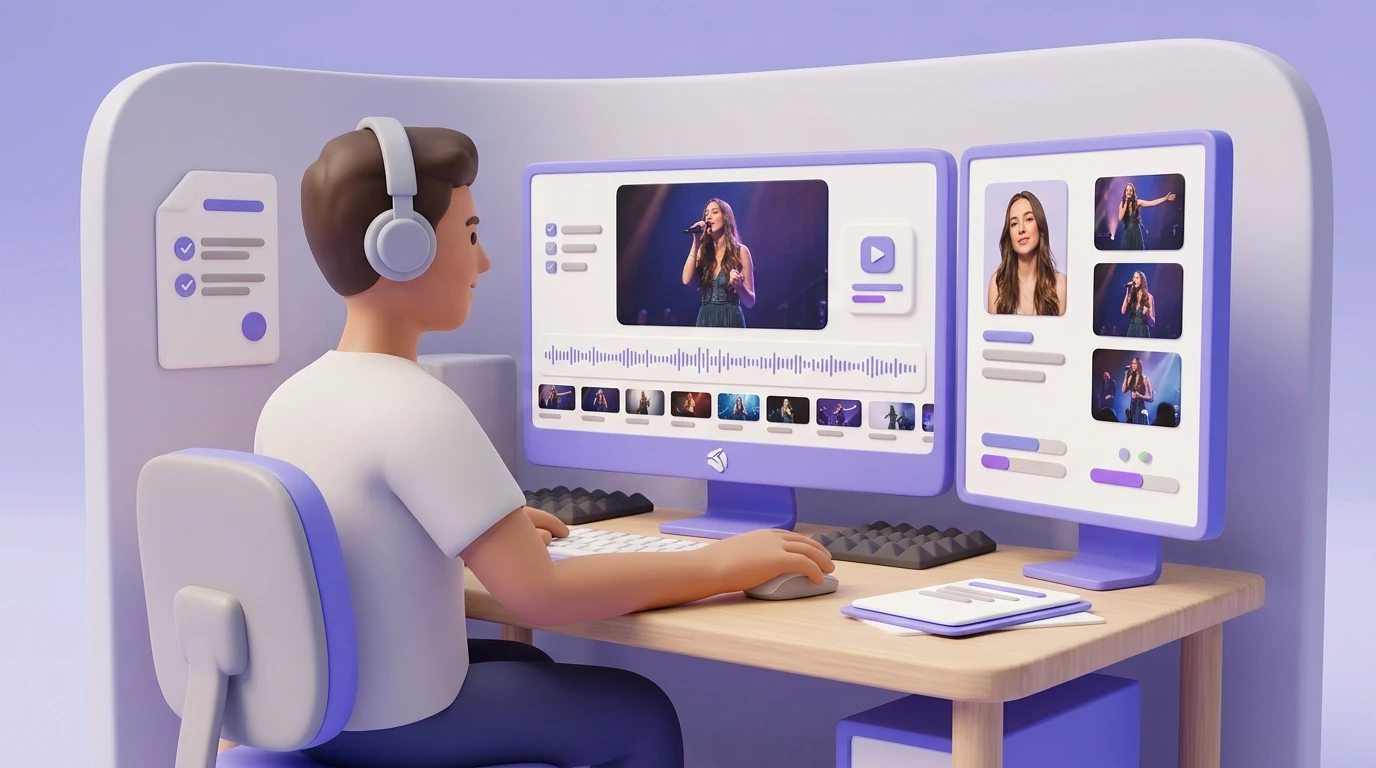
An AI music video workflow should move from approved references into generated shots, then into a human-controlled timeline. Finishing comes after the cut works.
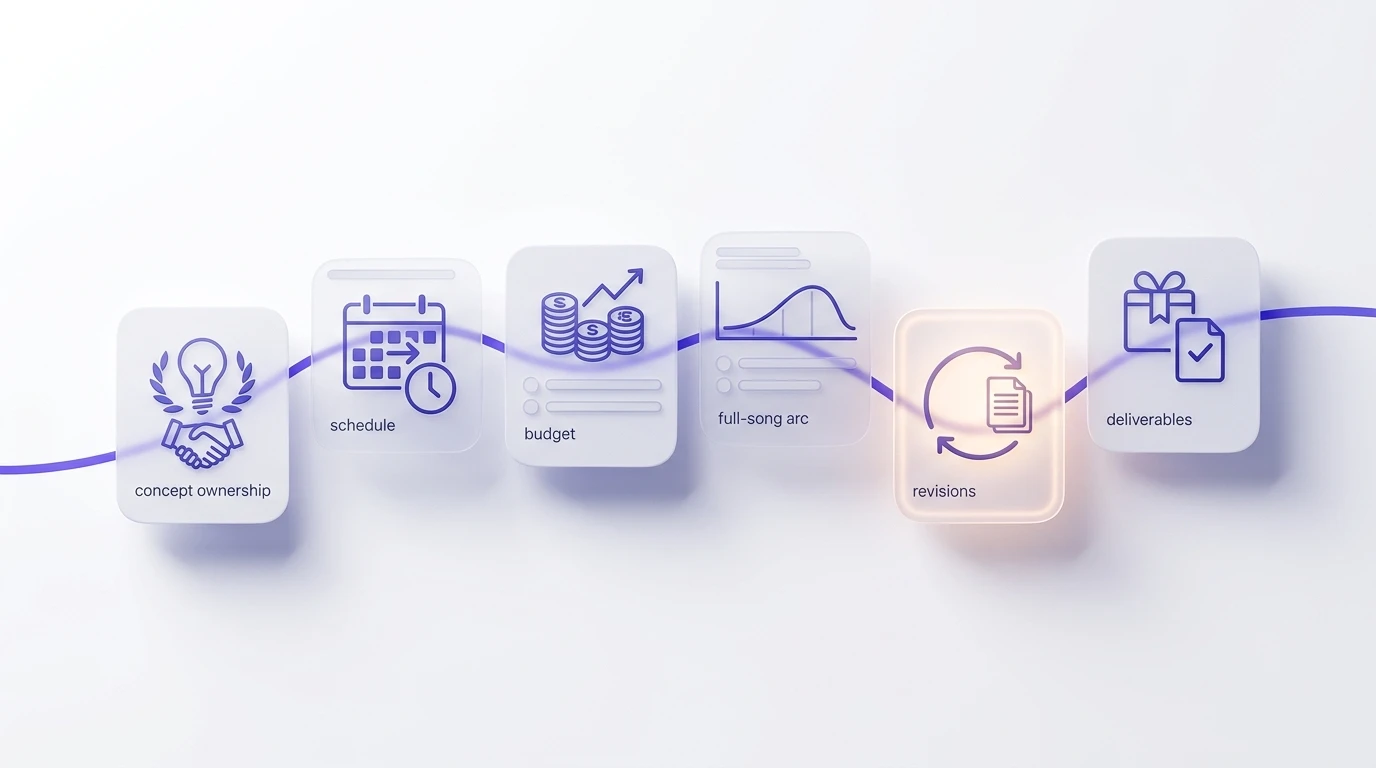
At SongTrailer, one creative director owns concept and pacing through final delivery of our human-directed AI music videos for artists. Keep that decision-making role explicit in any production, including a self-managed one.
-
Lock the recording and delivery brief. Confirm the exact audio master and intended release destinations. Identify the primary format and any social adaptation before designing shots, because a composition that works wide may fail when cropped vertically.
-
Build a small visual reference set. Approve the performer’s appearance and the treatment of each setting. Keep those references accessible alongside a prompt record so collaborators do not reinterpret the visual world halfway through production.
-
Map the song before generating coverage. Mark section boundaries in the editing timeline, then assign a visual purpose to each section. Our guide to music videography from treatment to final master explains that treatment-to-delivery relationship; the same discipline applies when the footage is generated.
-
Test the difficult shots first. Generate samples of any required performance, complex camera movement, or recurring character interaction. If the tool cannot deliver those shots reliably, simplify the treatment or change the generation method before producing the rest.
-
Build a rough cut and generate its gaps. Place usable takes against the complete song, with placeholders wherever coverage is missing. Request new shots to solve specific editorial needs, such as a transition into the chorus, rather than generating more footage without a destination.
-
Repair, finish, and export the approved cut. Resolve distracting defects before applying enhancement. Color-match the shots, check the unchanged audio master, and create each delivery version from the approved timeline.
Consider a single with a restrained verse, an expansive chorus, and a sparse final section. The verse could use held compositions with limited movement. The chorus can open the framing and introduce more motion; the ending can return to the established visual motif without copying the opening edit.
That is a pacing plan. It gives each generated shot a job. A folder of impressive clips cannot make those decisions for you.
Develop prompts as production records
Separate the fixed parts of a prompt from the variable action. Preserve the approved identity references and appearance instructions while changing the action or camera behavior needed for a particular shot.
Change one major variable per test. If you alter the reference image, lighting, and motion instruction together, you lose a useful comparison and make failures harder to diagnose.
Record the prompt, model version, and available settings alongside each accepted take. Save seeds where the tool exposes them, but treat them as reproducibility aids within that specific configuration, not as permanent character identifiers.
Where do continuity and commercial rights break down?
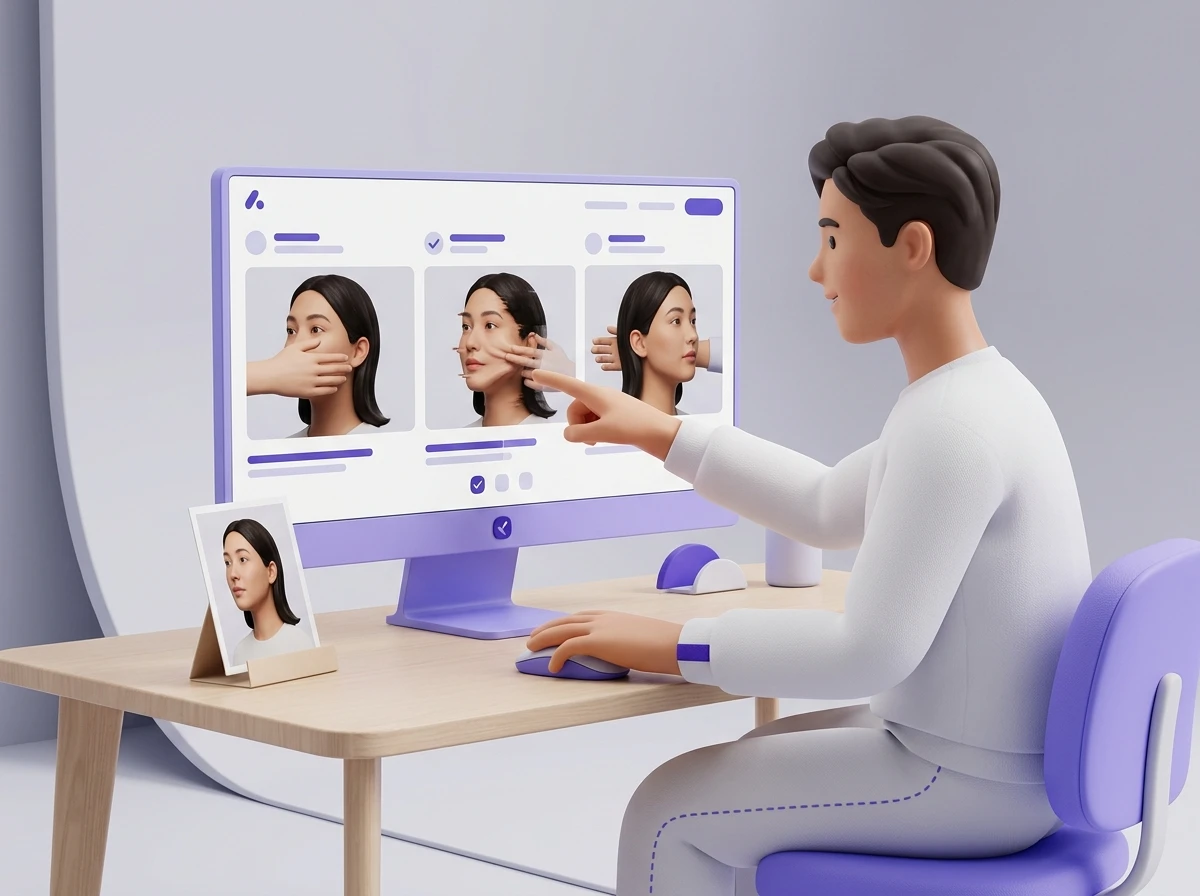
Continuity breaks when individually convincing shots disagree about the same subject or setting. Rights problems arise when permission to generate an output gets confused with permission to use its inputs or distribute the result.
Both need review before the final edit. Neither is solved by a clean export.
Character consistency and motion control
A matching face at the opening frame does not guarantee a matching face throughout the shot. Inspect the performer during turns and occlusions, especially when hair, hands, or objects cross the face.
Motion control can mean camera presets, start-and-end frames, pose guidance, or a reference video. Those controls are not interchangeable. A camera-move instruction may improve framing while doing little to preserve a performer’s anatomy.
Use shorter, simpler actions when a shot repeatedly drifts. A held composition or a deliberate cut can serve the song better than a complicated move that requires extensive repair.
Shot extension deserves the same scrutiny as a new generation. Adobe offers Generative Extend within Premiere Pro’s editing toolset, but an extended section still needs inspection for changing geometry and unnatural movement. Extend a shot because the edit needs it, rather than to fill empty timeline space.
Repair, lip sync, and enhancement
Inpainting replaces a selected area. Generative fill can help rebuild a still frame or prepare an asset, while moving footage requires a repair that stays consistent over time.
A corrected frame is only the beginning. Check the repair through the whole shot, including its mask edges and reflections, so the patched area does not swim or flicker.
Lip sync is especially demanding in singing footage. Sustained vowels and expressive facial movement can expose failures that a short spoken demonstration hides. I recommend testing the most exposed vocal passage before making close-up performance central to the treatment.
Compositing combines elements into a shot. The difficult work is often matching contact shadows and perspective so the subject belongs in the environment.
Video upscaling can improve presentation, but it can also invent texture or alter a face. Frame interpolation estimates intermediate frames to change motion cadence; it can introduce warped edges around fast movement. Neither process is a dependable repair for a fundamentally broken performance.
Licensing and provenance
Commercial-use permission from a generation platform does not automatically clear a reference photograph, an artist’s likeness, or the song itself. Confirm permissions for the sound recording and composition, as well as identifiable people and supplied visual assets.
Keep a provenance record: the origin of source assets, the tools used, and the terms that applied during production. Preserve relevant consent records and document human editorial decisions.
Ownership of delivered files is also separate from copyright protection. The U.S. Copyright Office’s AI guidance and reports distinguish human authorship from AI-generated material. Protection depends on the actual human contribution and the applicable jurisdiction, so do not promise blanket exclusivity over every generated element.
How should you budget tools and production time?
Budget against accepted footage and editorial work, rather than the apparent price of a generation. Failed takes consume credits and review time without adding anything to the master.
Calculate cost per usable second by dividing generation spend by the duration of footage you actually accept into the production. Track review time separately. This makes a cheap generator with frequent failures easier to compare with a more expensive tool that produces usable results.
A worked example of published production prices, and of generation-credit arithmetic, is in the 2026 cost guide.
Before committing, check how the plan charges for higher resolution and extra attempts. Confirm whether enhancement runs locally or consumes additional credits, and whether your intended exports carry watermarks or restrictions.
Processing time includes more than generation. Queue delays, repair work, and approval cycles can threaten a release date even when individual clips arrive quickly.
Keep a fallback treatment that uses simpler shots from the same visual world. If you outsource production, use the criteria in how to choose a video production company to clarify who owns refinements and final delivery before agreeing to the budget.
What should a human review before final delivery?
A human should review the entire exported file, not only the editing timeline. Watch it at normal speed with the finished track, then inspect suspect shots frame by frame.
The export is what the audience receives. Render errors and cropping problems can appear after a perfectly acceptable timeline review.
| Review area | What to inspect | What should block delivery |
|---|---|---|
| Full-song pacing | Visual changes across verses and choruses; the relationship between held shots and cuts | Repetition that feels accidental, or an ending that loses the song’s intended resolution |
| Character and scene continuity | Facial identity, recurring wardrobe, and environment geometry | Unexplained identity changes or visible spatial contradictions |
| Performance | Mouth shapes, gestures, and expression against the actual recording | Distracting singing mismatch or deformed movement |
| Repairs and compositing | Tracking, edges, contact shadows, and temporal stability | Floating subjects, flickering patches, or broken reflections |
| Finishing | Color consistency, texture, and enhancement artifacts | Sudden color shifts or processing that changes the subject |
| Audio and exports | Correct master, synchronization, complete ending, and destination requirements | Wrong audio version, timing drift, clipping, or an incomplete render |
| Social adaptation | Subject framing and any text after reframing | Cropped faces, unreadable text, or missing narrative information |
For YouTube delivery, follow YouTube’s recommended upload encoding settings. YouTube identifies 16:9 as its standard desktop aspect ratio, while its player adapts to other ratios.
A social adaptation needs its own framing pass. Reposition the subject shot by shot when necessary, and reconsider an edit if the tighter frame removes the information that made it work.
Review the ending carefully. An accidental freeze or premature audio cut can undermine an otherwise strong master.
Frequently Asked Questions
Which AI tool is best for filmmaking? Choose the tool that gives you reliable control over the shots your treatment requires. For full-song work, pair generation software with a nonlinear editor and test continuity before committing to a platform.
Can ChatGPT make a movie? ChatGPT can help develop treatments, shot lists, and prompts. Video generation and assembly still require appropriate visual tools and an editing workflow; access to those capabilities depends on the product and account.
Is it illegal to make an AI movie? Using AI does not automatically make a film illegal. Unauthorized source material, likeness misuse, or misleading endorsement can create legal problems, and a platform’s commercial license does not resolve every underlying permission.
Is there a completely free AI video maker? Some tools offer free generation credits or limited free access, but their allowances and terms change. Check export restrictions and commercial-use permission before assuming a free tier can support a complete release.
Start with the hardest shot and build a rough cut around your finished recording. That test will tell you which controls your production actually needs. To discuss a human-directed full-song production, contact SongTrailer about your release with your finished track and intended delivery formats.