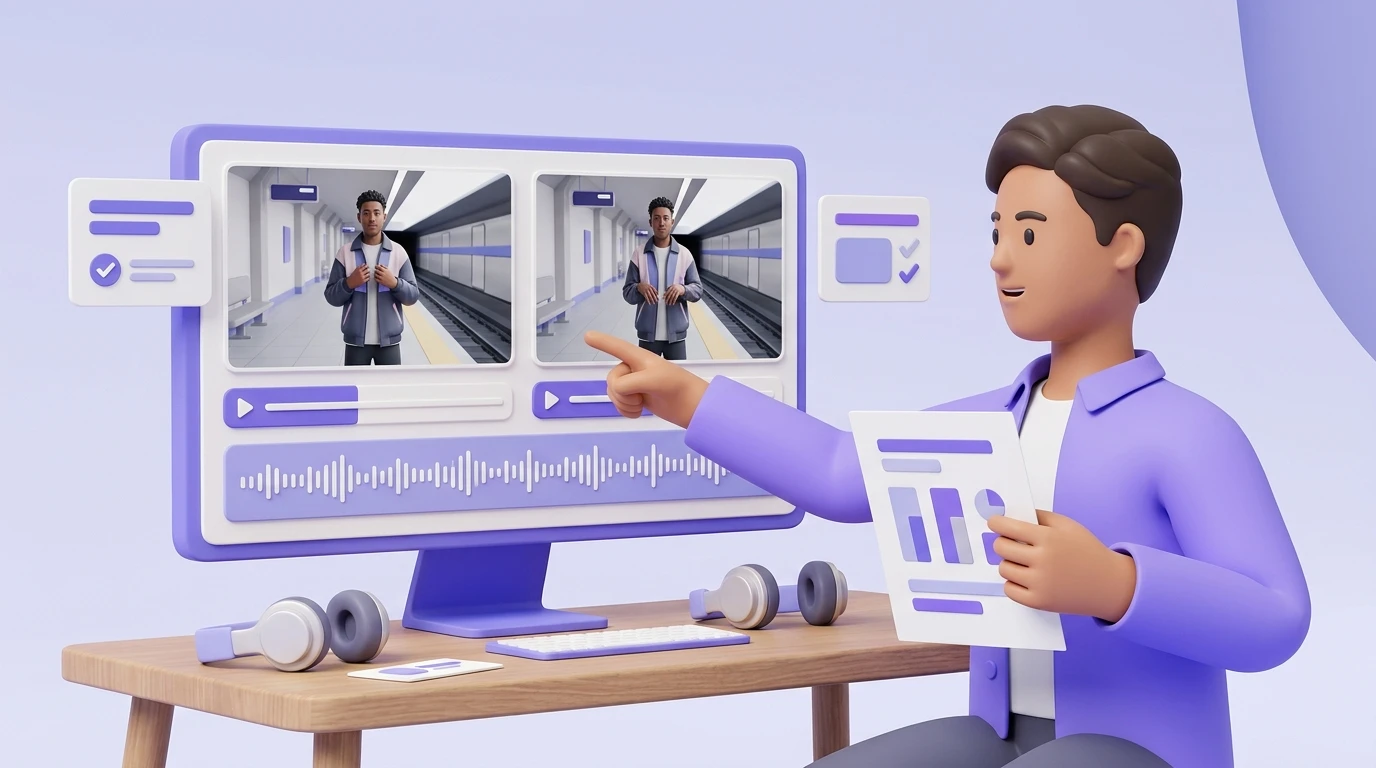
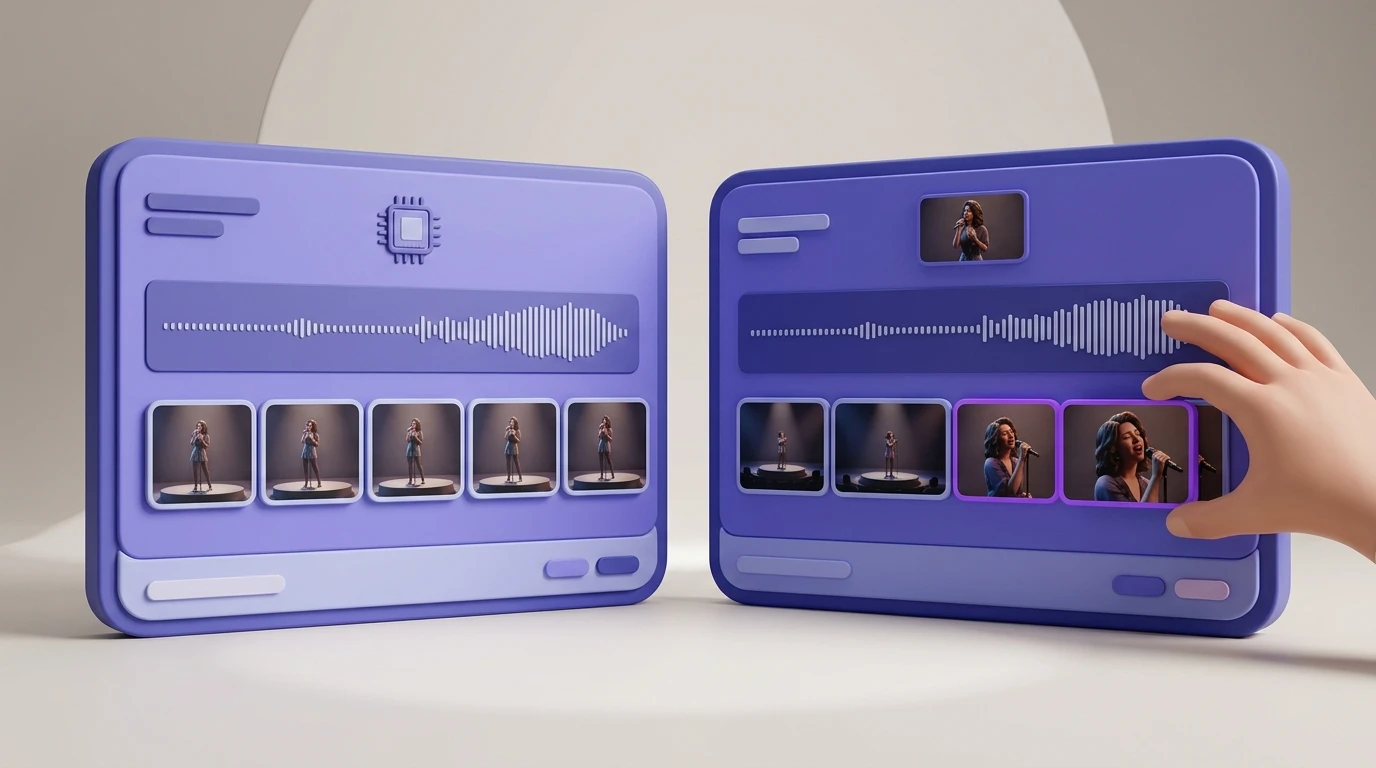
For a finished single, artificial intelligence video editing works best on repeatable tasks, while human-led editing gives someone control over musical pacing and visual continuity. At SongTrailer, one creative director owns the video from brief through delivery. Use the comparison below to choose a workflow by creative control, cost certainty, and release readiness.
- Keep a human editor responsible for the song’s emotional arc. Beat detection alone cannot decide which chorus deserves a different visual treatment.
- Use automation for mechanical work, then review its output against the finished track.
- Compare the cost of an approved full-song master and its social adaptation, including revision terms, rather than software fees alone.
What should you judge before choosing an editor?
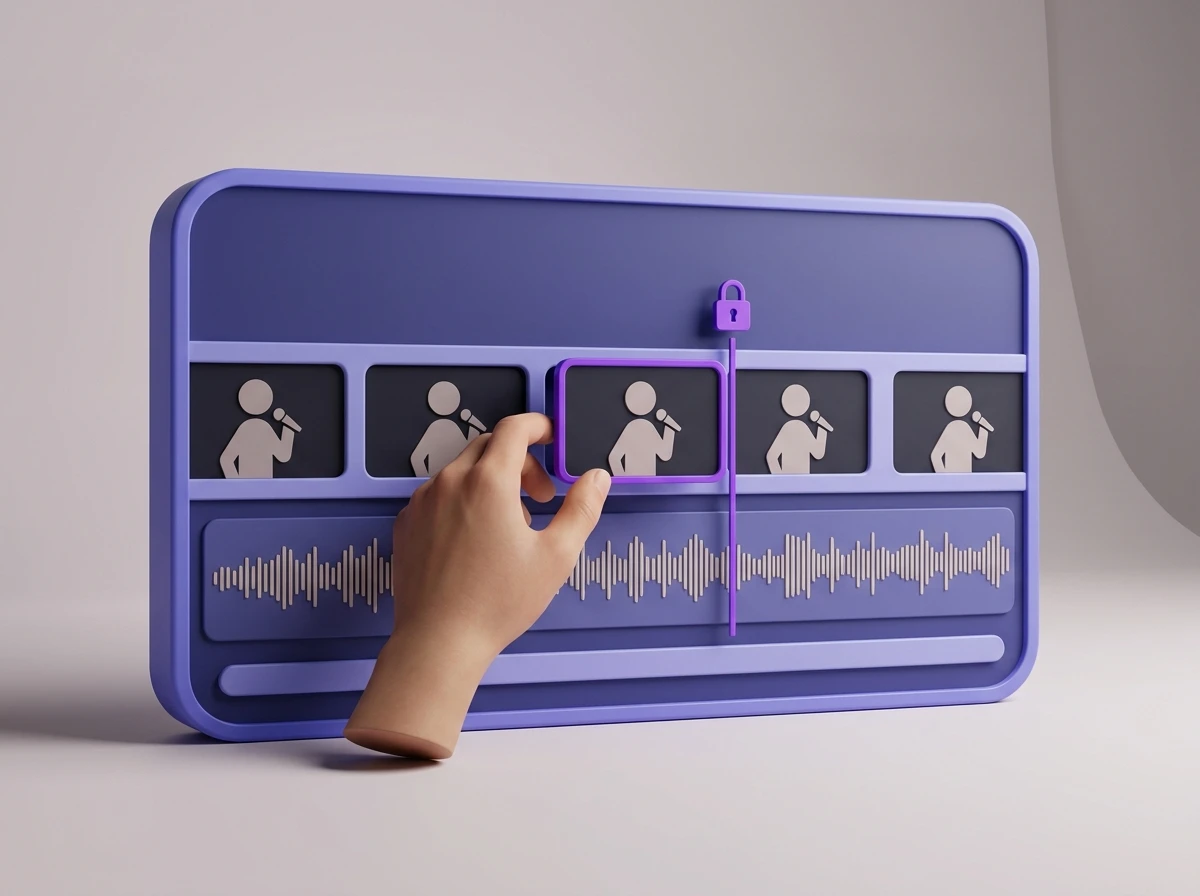
Choose an editing workflow by how precisely you can control and revise the finished video. AI-assisted editing uses machine analysis to help process footage or assemble a sequence; generating a shot creates source material. Our AI filmmaking guide for full-song music videos covers that broader production process, while this comparison focuses on who controls the cut.
Start with musical structure. An editor should distinguish a verse from a chorus and understand why the final chorus might need greater visual intensity, even when the tempo stays unchanged. Cutting on every detected beat can flatten that progression.
Judge visual continuity separately. A consistent palette helps, but the character’s appearance and movement direction also need to survive each cut. A transition effect cannot repair a face that changes between shots.
Then test revision control: can you replace one weak shot without disturbing an approved chorus entrance? Finally, require delivery certainty, including agreed output formats and a named person responsible for reviewing the exported files.
Compare artificial intelligence video editing with human-led editing
Automated assembly delegates shot selection and timing to software. A conventional human-led edit relies on an editor to make those decisions; a human-led, AI-assisted edit keeps the editor in charge while delegating selected tasks.
The ratings below describe production control, not measured software performance. Strong means the workflow supports direct control. Conditional means the source material, software, or agreed scope can limit the result.
| Selection criterion | Automated assembly | Conventional human-led edit | Human-led, AI-assisted edit |
|---|---|---|---|
| Musical pacing | Conditional: timing rules need review | Strong: deliberate holds and changes | Strong: director controls the final timing |
| Continuity repair | Conditional: depends on detection and available footage | Conditional: depends on usable source footage | Conditional: generated shots may need replacing |
| Precise revisions | Conditional: requires local editing controls | Strong: individual cuts can be adjusted | Strong for timeline changes; conditional for generated details |
| Social-format adaptation | Conditional: automatic crops need checking | Strong with manual reframing | Strong when automatic reframing gets human review |
| Predictable final cost | Conditional: retries and finishing labor remain | Conditional: requires a defined scope | Conditional: requires a defined scope |
Choose automated assembly for a rough cut or straightforward promotional edit when you already have usable footage and can finish it yourself. Skip an automation-only workflow if it cannot preserve the full track or let you correct individual cuts.
Choose conventional human-led editing when you have strong filmed material and want precise performance timing. If your existing footage already tells the story, generating replacements may create unnecessary continuity work.
Choose human-led, AI-assisted editing when you need a visual world beyond the footage you have, but still need someone accountable for the full-song edit. Accept the trade-off: changing a generated character’s hand or expression may require replacing the shot rather than making a small timeline adjustment.
When comparing AI-powered video editing tools, use our guide to choosing AI filmmaking tools for the software decision. An impressive feature list still needs an owner for final approval.
What will the edit actually cost?
Compare quotes against the same approved deliverables. A software subscription buys access; your release budget must also cover the work needed to turn its output into a finished master.
An inexpensive workflow becomes harder to predict when someone must repeatedly generate replacement footage or rescue unusable crops. Human-led production can also overrun if the treatment keeps changing after editing begins. A defined scope is the useful cost comparison.
SongTrailer’s flat package is $3,500 for a full-song master and social-ratio adaptation, including direction and human editing. SongTrailer’s delivery window is about 5-7 business days after intake and direction lock. That timing starts after the required materials and creative direction are settled.
For any proposal, confirm the number of refinement rounds and what happens if the concept changes. Our music videography guide from treatment to final master explains the production stages; use those stages to identify exactly what a quote covers.
Check rights alongside price. Request written terms for using the delivered files and clarify whether source assets or editable project files are included. The U.S. Copyright Office’s guidance on AI and copyright explains the role of human authorship in copyright protection, so commercial-use permission for generated material should not be treated as a guarantee of copyright ownership.
Test the workflow before committing to a full song
A verse-to-chorus test reveals more than a polished montage. It exposes whether the workflow can follow musical structure and survive a specific revision before you commit the whole release.
- Lock the audio. Use the finished release master and mark the section changes in the timeline. Keep the audio untouched while testing visual edits so every comparison uses the same musical reference.
- Build a representative passage. Include a quieter section leading into a chorus. Use the visual style intended for the release, then judge whether the change in intensity feels earned rather than merely busier.
- Request a local revision. Keep the chorus entrance fixed and replace the shot immediately before it. Check whether the workflow preserves approved timing or rebuilds unrelated parts of the sequence.
- Export the intended formats. Review the actual files on a phone and a larger screen. Check whether important faces remain visible in the vertical crop and whether the edit still works without the landscape composition.
Treat automatic reframing as a first pass. A centered subject can still lose the gesture that gives a shot meaning, particularly when the action moves toward the edge of the frame.
Keep export settings deliberate, too. YouTube’s recommended upload encoding settings advise uploading recorded footage at its original frame rate. Decide the sequence settings before finishing rather than changing them casually at export.
If the video includes lyrics, verify every word against the approved lyric sheet. YouTube’s automatic caption guidance warns that pronunciation and background noise can cause transcription errors, making unchecked machine-generated captions a poor final lyric reference.
Before release, watch the entire exported master with the finished audio. Check the opening and ending especially carefully; a successful test passage does not prove the full export is complete.
Frequently Asked Questions
Is it possible to use AI to edit videos? Yes. AI can assist with footage selection, transcription, reframing, and other editing tasks, depending on the software. For a finished music track, avoid applying dialogue cleanup or automatic audio processing unless you deliberately want to alter the release master.
Which AI is best for editing music videos? For a full-song release, prioritize an editable timeline with precise trim controls and replaceable source clips. Skip any tool that can produce an attractive montage but cannot preserve the complete track or support targeted revisions.
Is there a completely free AI video editor? Free AI video editing can cover a test or rough cut, but check current export restrictions and commercial-use terms. A free editor does not make separately generated footage free to create or license.
Can ChatGPT edit a video? ChatGPT can help write edit notes or scripts for compatible software. Its ability to inspect footage or perform file operations depends on the tools enabled in your session, so verify whether you will receive a finished export or instructions you still need to execute.
Keep the final edit accountable to the song. If your track is finished and the release date is approaching, get in touch with SongTrailer about a human-directed, AI-assisted full-song music video. Bring the final audio and a visual reference so the conversation starts with the actual release.