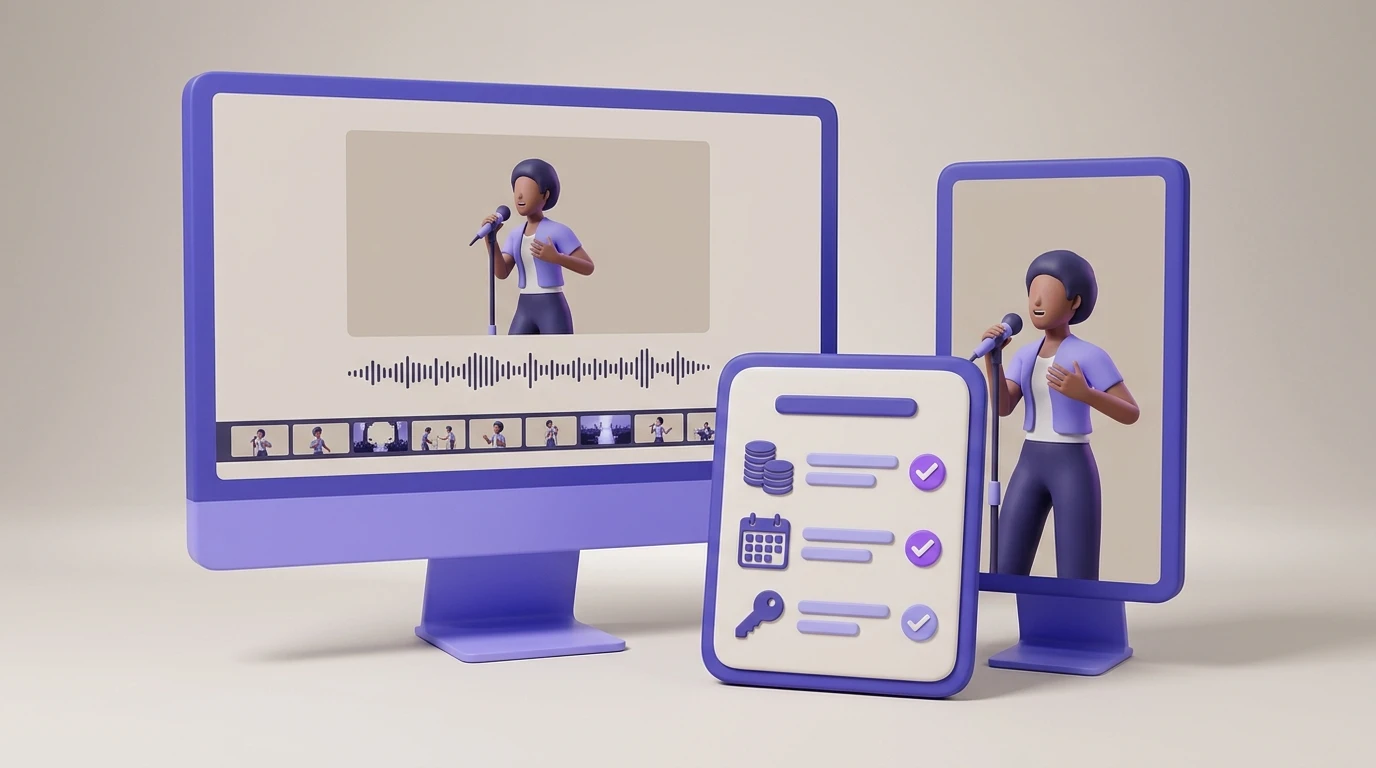
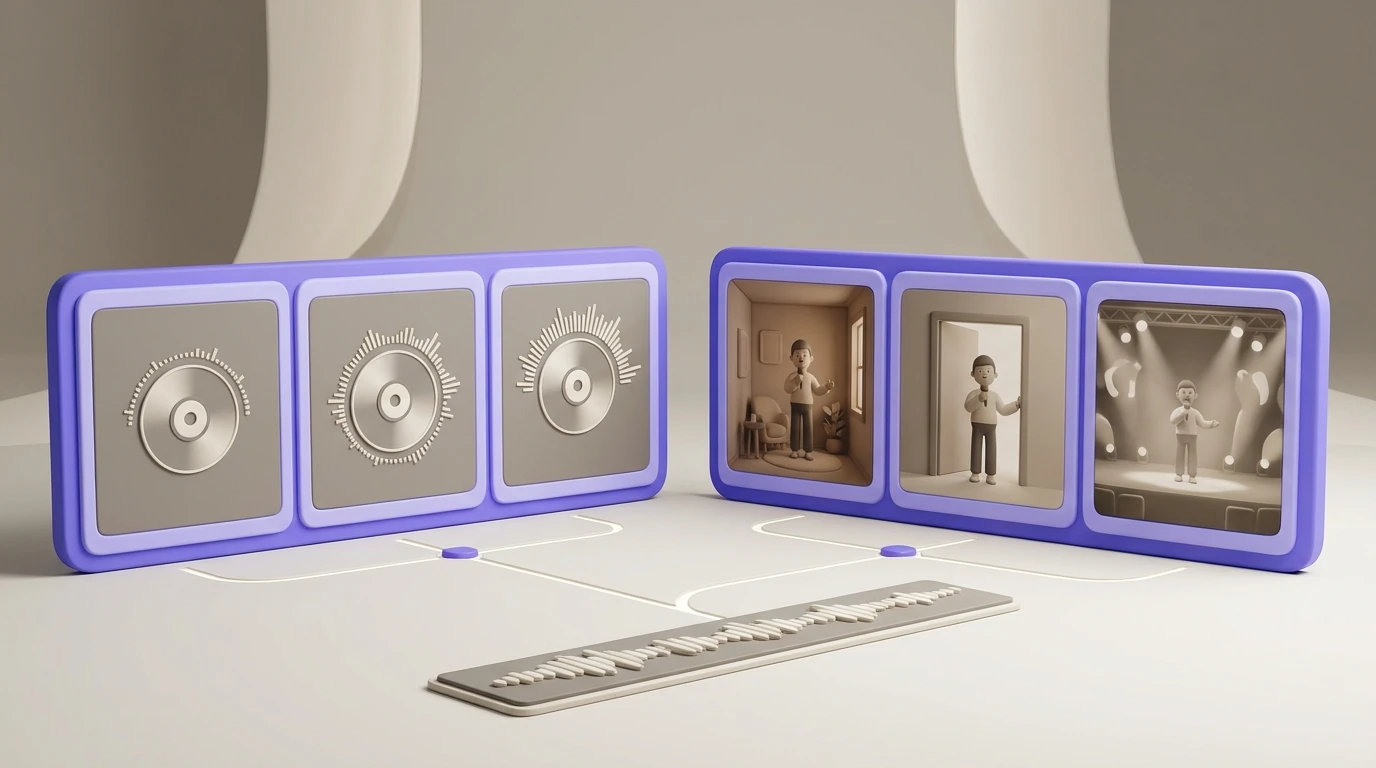
Choose a music visualization maker for artwork-led, audio-reactive graphics. Choose a directed video when the song needs scenes that develop with its arrangement. Serato Visualizer, for example, sets video length from the uploaded track. Compare the work you must do yourself against the control you need over the finished release.
- Choose by the visual job. Reactive artwork can carry a full song. A developing concept needs decisions about scenes and pacing.
- Test the complete track before committing to a tool. A strong chorus preview does not prove that the intro or ending works.
- Compare the finished deliverables. Include social-format adaptation and your own editing time when judging cost.
What Should a Music Visualization Maker Deliver?
A music visualizer turns audio into moving graphics, often through waveforms or frequency bars. A directed video builds a visual progression around the song, whether its footage is filmed, animated, or AI-assisted.
Both can cover the entire track. Full-song length alone does not tell you how much creative direction you are getting. For the broader service landscape, our guide to music video production companies for full-song releases explains the production route beyond software.
Start with the release job. A finished single with strong cover art may only need restrained motion. A song built around a dramatic lyrical change may need the visual world to change with it.
We recommend judging options against these requirements before comparing templates. The ratings below describe workflow fit, not measured product scores. Copy the table and fill the final column with your preferred option.
| Release requirement | Template-based visualizer | Directed video | Your option |
|---|---|---|---|
| Graphics that react directly to sound | Strong | Conditional on the treatment | |
| A visual idea that develops across song sections | Conditional on your editing | Strong | |
| Minimal hands-on work from the artist | Weak when customization grows | Strong when direction and editing are included | |
| Consistent characters or locations across changing scenes | Weak without substantial custom work | Conditional on execution and review | |
| Predictable total cost | Conditional on export access and your time | Strong with a clearly scoped flat package | |
| Full-song master plus social-format adaptation | Conditional on tool capabilities and your layout work | Strong when both are explicitly included |
Consider a single with a quiet opening and a heavy chorus. Reactive bars can express the jump in energy. They cannot decide that the chorus should reveal a new location unless someone designs that change.
That distinction matters when DIY visuals begin to feel too casual. Our guide to directing a great music video covers the creative decisions behind a developing concept. The buying question is whether you want to make those decisions yourself or hand them to a director.
Which Software Route Fits Your Release?
Music visualization software ranges from ready-to-export tools to live visual instruments. A general music video maker adds another route: assembling existing visuals into an edited release.
These options solve different parts of the job. Compare the remaining work, not just the preview.
| Option | Best fit | Work that remains with you | Choose another route if |
|---|---|---|---|
| Serato Visualizer | An audio-led release built around your artwork | Visual customization and export review | You need a developing sequence of scenes |
| Microsoft Clipchamp | Assembling and finishing existing visual material | Sourcing visuals and shaping the edit | You want a director to own the concept |
| Synesthesia | Live, audio-reactive visuals with performance controls | Operating the visuals and planning the finished-video workflow | You want a straightforward upload-and-export release |
| SongTrailer, our directed service | A finished single needing a full-song visual concept | Supplying the track and participating in direction approval | A reusable DIY visualizer is enough |
Serato Visualizer: the straightforward full-track option
Serato’s Visualizer FAQ lists no fees and requires a free Serato account, as of October 2026. It accepts uploaded audio, sets the video length from the track, and supports your own background media. Its documented output includes portrait and landscape formats.
Choose it when the cover artwork already carries the release identity and you want motion around that identity. Skip this route when you expect the software to invent a scene-by-scene concept. You still own the visual choices and the final quality check.
Microsoft Clipchamp: the assembly-and-edit route
Microsoft’s Clipchamp editor documentation describes browser-based editing and video templates. Treat it as an editing workspace when you already have visual material to assemble.
This suits an artist who wants to combine prepared visuals with release text or other footage. It leaves creative responsibility with you. If your deadline is close and you have no usable visuals, an editor alone does not remove that bottleneck.
Synesthesia: the live visual instrument
Synesthesia’s live visual software provides audio-reactive scenes and real-time controls, including MIDI and OSC mapping. Its stated uses include projectors and livestreams.
Choose it when performing the visuals is part of the creative work, particularly if the release also needs a live visual identity. We would skip it for an artist who simply needs a finished release file with minimal setup. A live visual instrument adds an operating workflow that a basic visualizer does not require.
SongTrailer: the directed full-song route
SongTrailer is our service. A creative director owns the concept and edit, combining human direction with AI-assisted visuals for artists releasing finished tracks.
Our $3,500 flat package includes a full-song master and a social-ratio adaptation, with delivery in about 5-7 business days after intake and direction lock. That timing starts after the creative direction is settled, so an approaching release date makes prompt intake and approval important.
Choose this route when the track needs a developed visual world and you want a defined production cost. Choose a software maker instead when a reactive artwork treatment already solves the release, or when you want hands-on control over every adjustment.
How Do You Test a Visualizer Before Committing?
Test a visualizer against the whole arrangement and the actual delivery format. A preset can look convincing during a loud chorus while barely moving during an exposed vocal passage.
Approve the exported file, not just the editor preview. Use this sequence before treating any music video creator as release-ready.
-
Start with the finished audio master. Match the exact version intended for release. Replacing the track later can disturb section timing and the ending.
-
Build a representative passage. Include a change in energy, such as the move from verse to chorus. Check whether motion follows the sound without overwhelming the artwork or artist name.
-
Extend the treatment across the full song. Watch the intro and ending closely. If the motion becomes tiring, reduce its intensity before adding more effects.
-
Compose the social version separately. A centered waveform may survive a portrait crop while the artist name disappears. Reposition the layout rather than assuming a resize preserves it.
-
Export and review the actual file. Watch from beginning to end on a phone and a larger screen. Check for missing audio, clipped text, and an abrupt final frame.
For a quiet opening, reduce background movement enough that the first vocal feels intentional. When the chorus arrives, let the increase in energy register. Constant maximum motion removes contrast.
Animated music videos need the same restraint. Movement earns its place when it changes how the song feels.
When comparing a maker with a production service, ask who performs this final review. Our guide to music videography from treatment to final master explains the broader delivery process, while your visualizer test should stay focused on the files you actually need to publish.
Frequently Asked Questions
Can I make a visualizer from a Spotify or Apple Music link?
Use a local audio file you are authorized to use unless the chosen tool explicitly supports streaming links. A streaming link alone does not establish permission to reproduce the recording in a video.
Does an AI music video generator automatically follow the beat?
No. Generating imagery and making motion react to audio are separate capabilities. Test whether visual changes follow the track’s rhythm or simply play alongside it.
Do I own everything in a video exported from a free visualizer?
An export does not automatically give you unrestricted rights to every included asset. Check the tool’s terms and the licenses for any background footage or templates before commercial release.
Can I use different visuals for each section of a song?
Yes, through section controls where available or by assembling separate passages in an editor. Keep shared visual elements across those passages so the song feels like a coherent release.
If reactive artwork passes the full-song test, keep the treatment focused and finish the exports. If the bridge needs a new scene and the chorus needs a stronger visual payoff, a directed route may fit better. Get in touch about your full-song release when you want a director to carry that concept through the final edit.